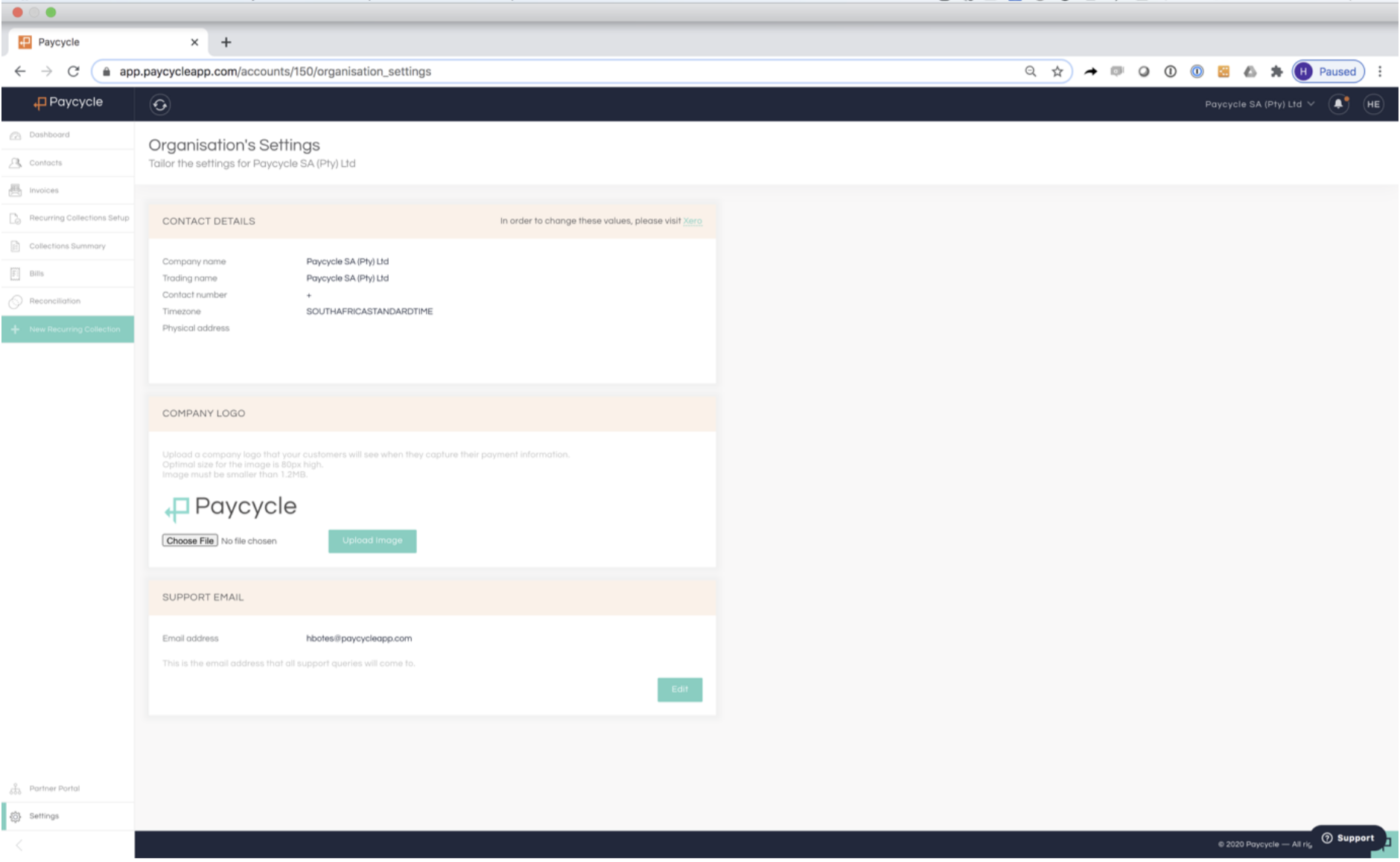
Step 3: Other Importing Settings to configure post data import
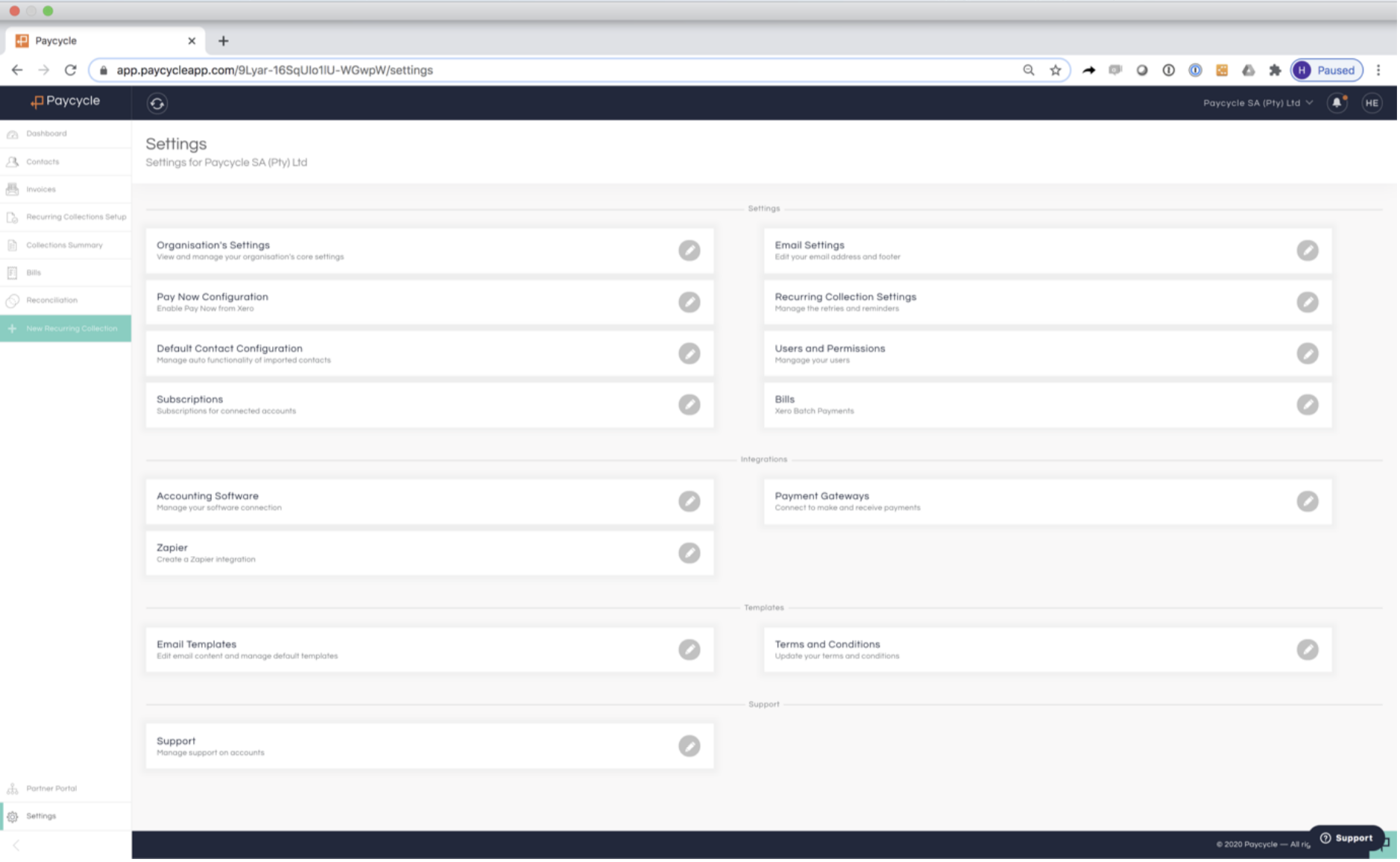
To enable your Xero “Pay Now” function, you can require to select your Xero branding theme it need to apply to, the default in set to “None”
Recurring Collection Settings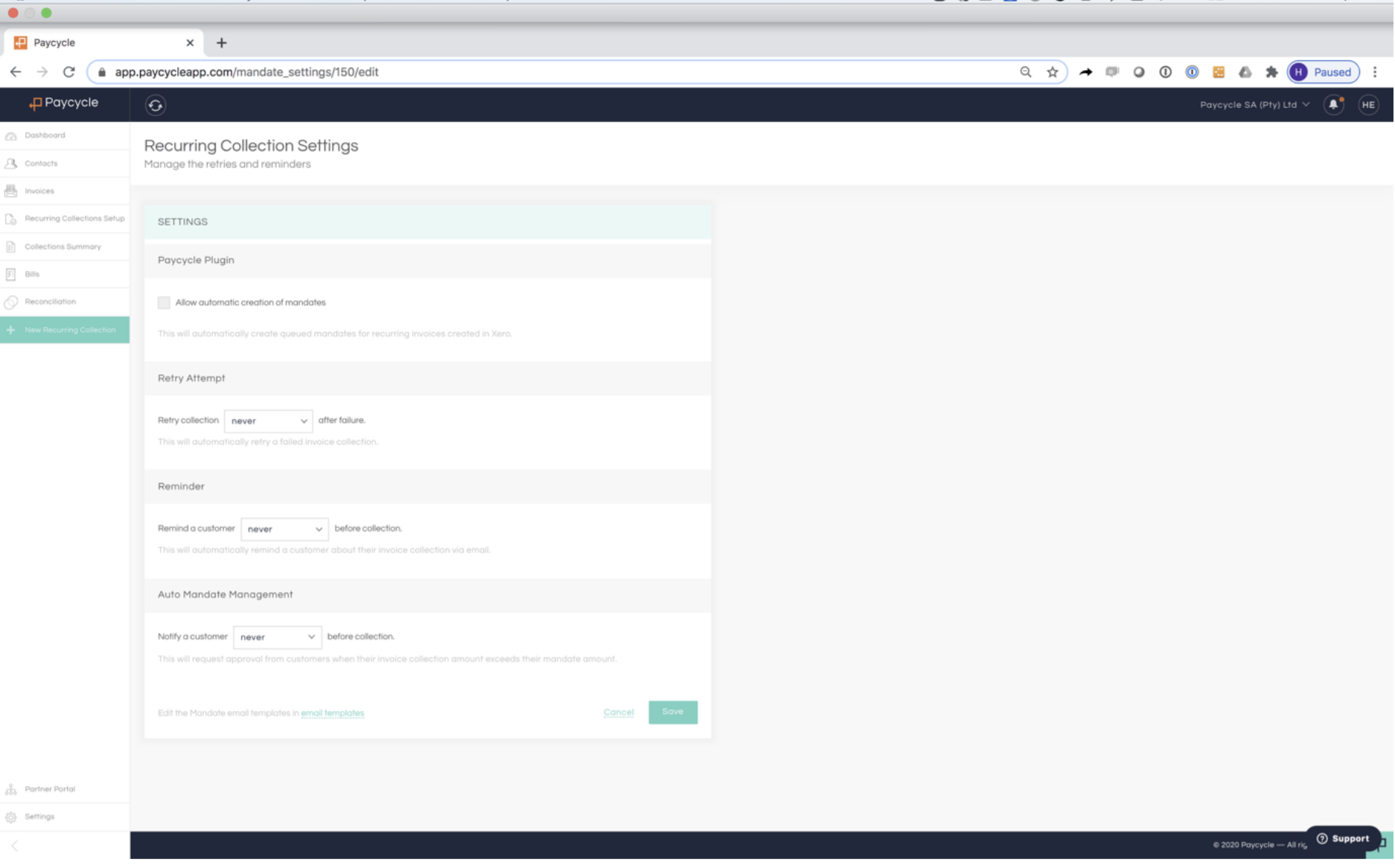
Option 1: Paycycle Plugin
- This will automatically create queued mandates for recurring invoices created in Xero that you can send straight to your client to approve.
Option 2: Retry Attempt
- This will automatically retry a failed debit order once (insufficient funds only). The user can manually retry a Failed Mandate as well.
Option 3: Reminder
- This will automatically remind a customer about their invoice collection via email. Can also be send out manually by the user.
Option 4: Auto Mandate Management
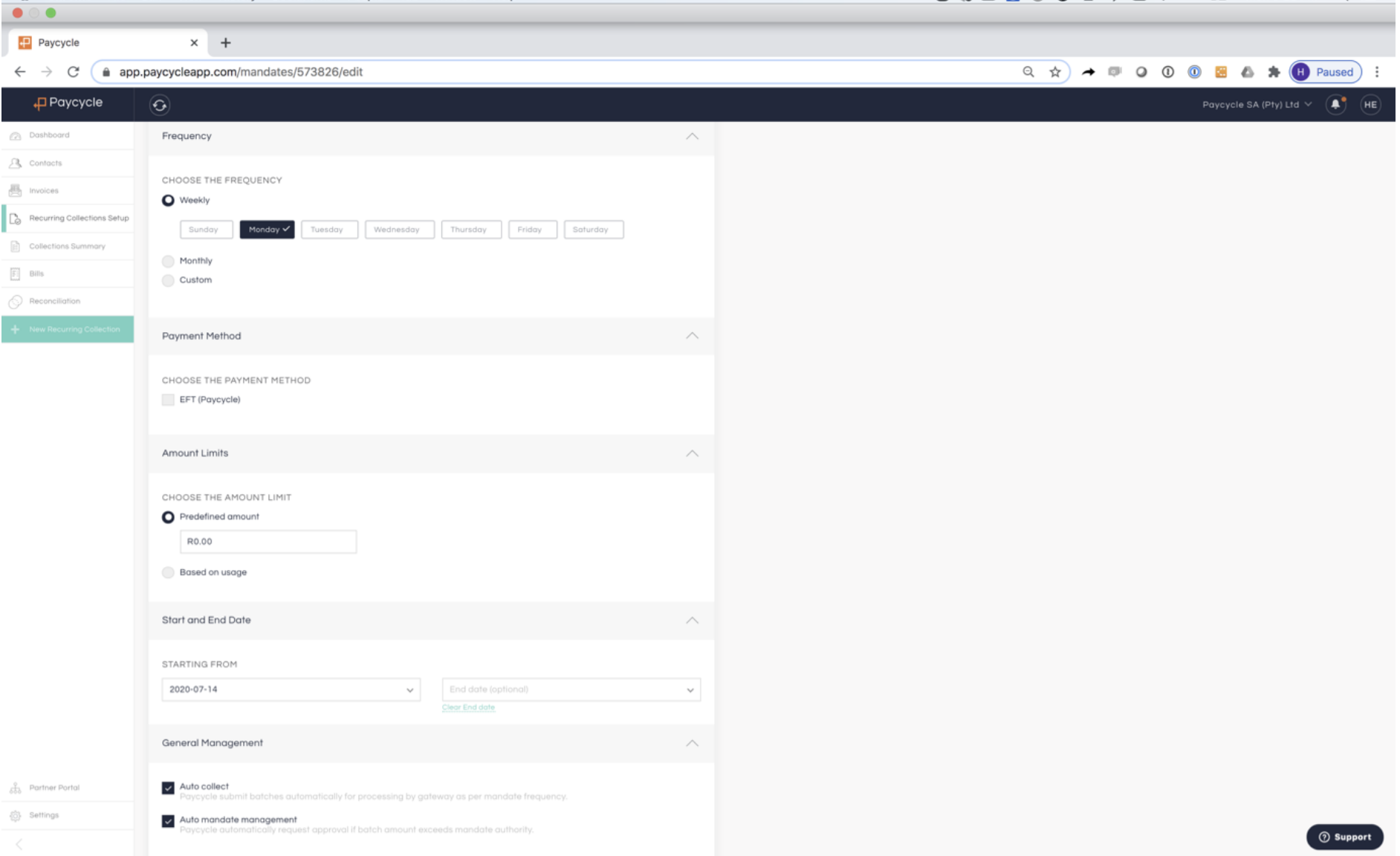
This functionality is only valid if you select the “predefine amount” option when configuring a mandate for a contact
This limits the amount that the client allow you to collect per collection cycle, if in the event the amount due exceeds the “Predefine Amount” the system will automatically request for email approval from your client, Your client would be able to once-off approved or increase the “Predefine Amount”. If no approval has been granted, the system will collect the maximum allowed and the variance will be rolled over to the next collection cycle.
Paycycle works on Invoices due date from the accounting system, No invoices due on or before the collection date, nothing will be collected.
- Important to Upload your company image, this image will be used with all e-mail correspondence send to your client from Paycycle
- Set your Support email address, this email address is used if your client have any disputes with upcoming collection will be reverted to this address.