Skip to main content
Wiki
🌜
🌞
Wiki
Menu
Getting Started
Connecting your Netcash Account
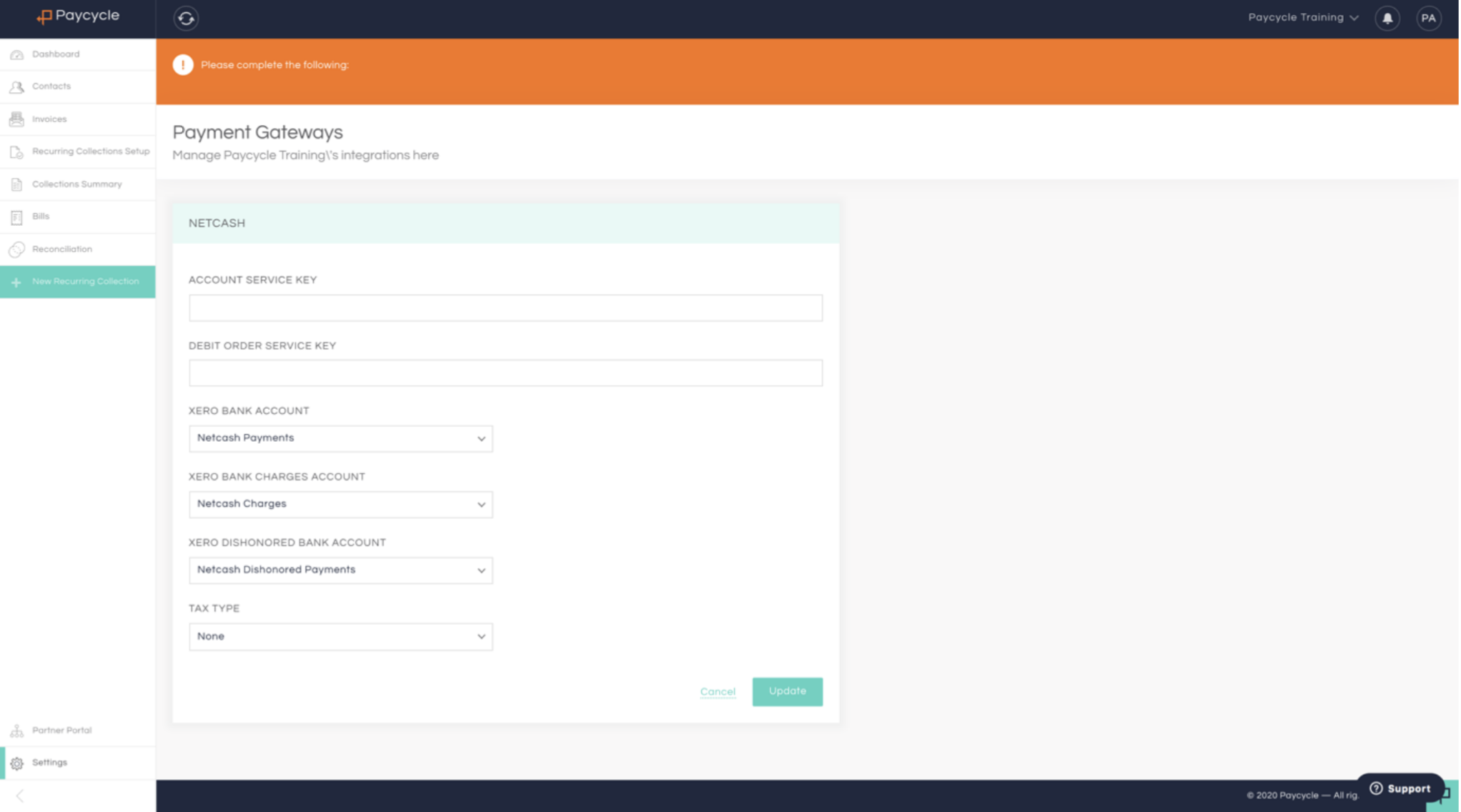
Step 1: Connect your Netcash Account
Step 2: Copy Paste service key from Netcash account
Step 3: Copy Paste Debit order service key from Netcash
Step 4: Change posting accounts for Xero (Optional)
Connecting your Xero Account
Step 1: Connecting your Xero Account
Step 2: Import Settings
Step 3: Other Importing Settings to configure post data import
Your first automated collection (Debit order)
Step 1: Connect your Netcash Account
Step 2: Activating your mandate
Step 1: Connect your Netcash Account
In Paycycle Go to Settings/ Payment Gateway
Previous
« Getting Started
Next
Step 2: Copy Paste service key from Netcash account »